FREE CREATOR RESOURCE

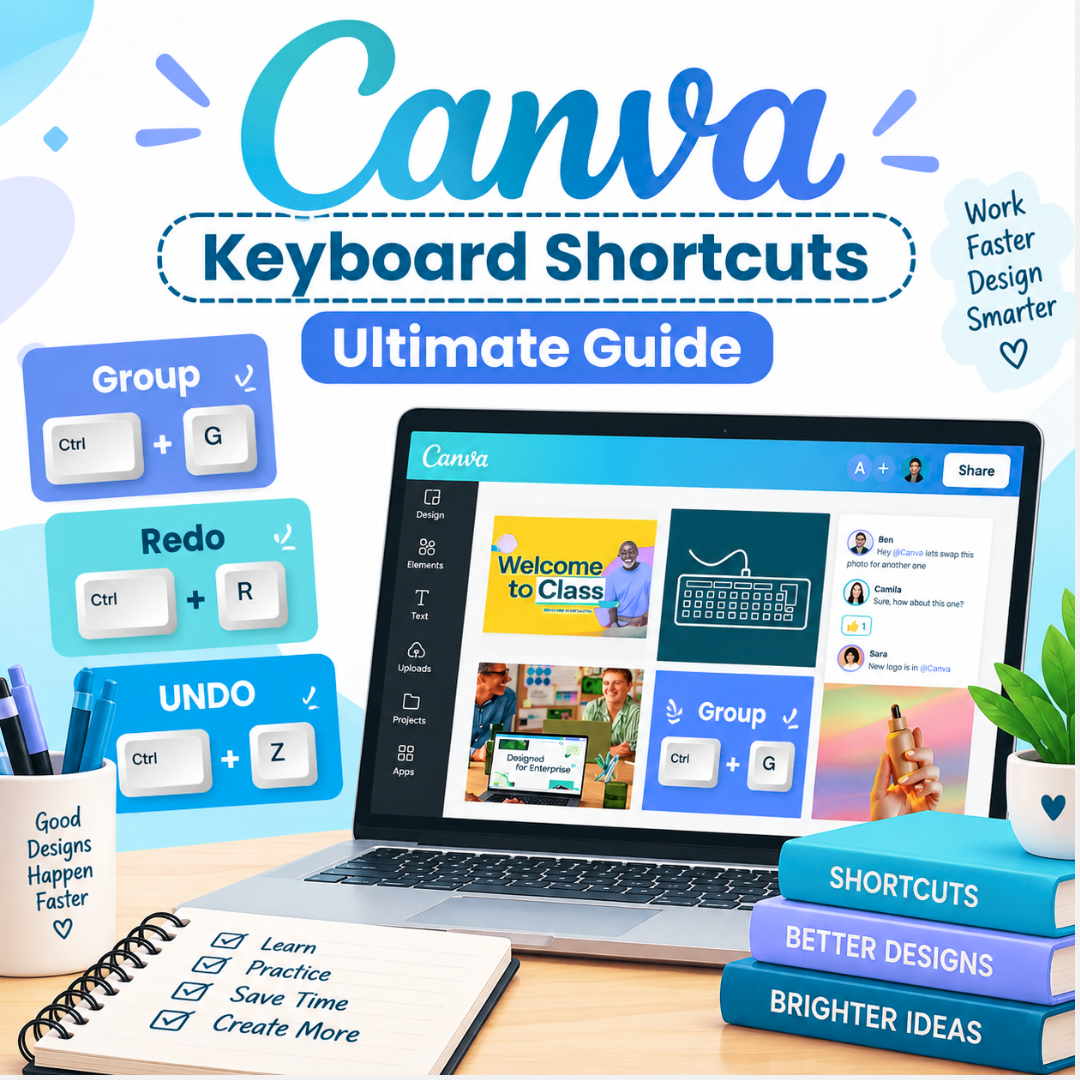
Work faster in Canva without memorising everything.

A practical keyboard shortcuts guide to help you group, redo, undo and design with a smoother, faster workflow.

Free printable guide · Instant access


Easy shortcuts
3
Core actions covered


Ready to save

LESS CLICKING
FASTER WORKFLOW
MORE TIME TO CREATE
INSIDE THE GUIDE

The shortcuts worth knowing first.

Instead of overwhelming you with a huge list, this quick reference focuses on simple, useful actions you can start using while you design.
01

Group elements instantly

Select multiple elements and organise your design without repeated menu clicks.

02

Redo with confidence

Move forward quickly when you want to restore an action during your design process.
03

Undo in seconds

Fix mistakes immediately and keep experimenting without interrupting your creative flow.

04

Build a faster workflow

Turn everyday actions into simple habits so you can spend more time creating.
QUICK REFERENCE

Small shortcuts. Big time savings.

Keep these simple actions close while you design and gradually make them part of your everyday Canva workflow.

Group

Bring selected design elements together and work with them as one.

Ctrl + G

Redo

Bring back an action when you need to move forward again.

Ctrl + R

Undo

Quickly reverse your last action and keep experimenting freely.
Ctrl + Z
FREE CANVA RESOURCE

Get your Keyboard Shortcuts Ultimate Guide.

Enter your details below and get the guide delivered so you can save it, keep it nearby and start designing faster.

Send me the free guide

100% free · Your information is used to deliver this resource.